Designing with AI
6 ways I've incorporated AI tools to my day-to-day workflow so far
16 min read
June 2026
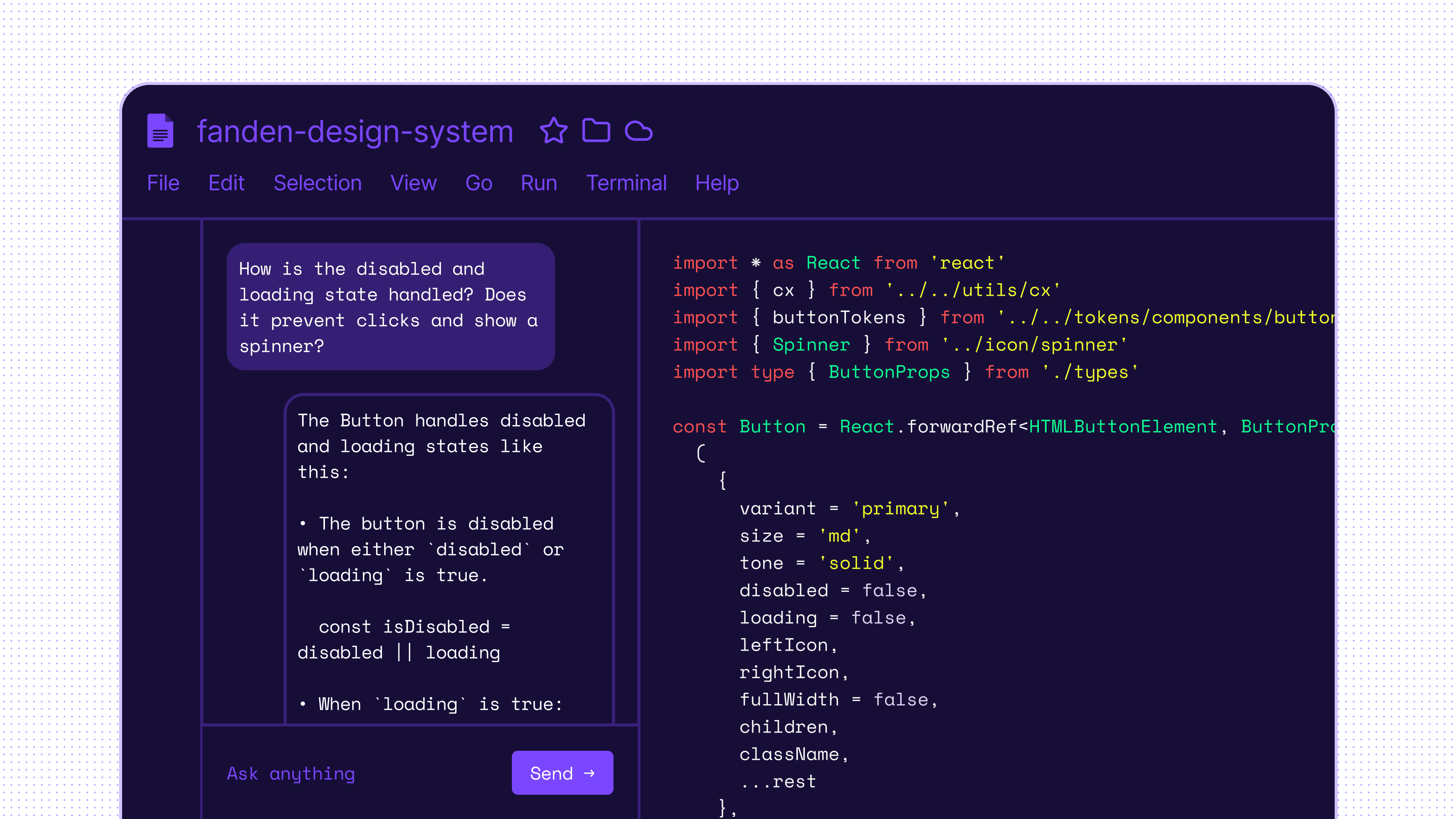
Note: All examples are illustrative to protect sensitive data. Some include easter eggs.
Introduction
Recently, I've adapted my design process to take advantage of AI from early ideation to live products.
I find it useful to start with a real problem: a point of friction in the work, a slow part of the process, or something that is hard to communicate clearly. Those moments become opportunities to explore how AI and new tools can help me think, design, and ship better.
Toolkit
Claude Code + Figma MCP
Design critique, edge-case generation, copywriting
Claude Code + Obsidian
Notetaking, action items, custom knowledge bases
Cursor
Understand code, align designs, ship to production
Cursor + Github + Vercel
Build and host prototypes, playgrounds, and custom tools.
1 – Proposals
Writing proposals is a great way to think through problems, align on a direction, and avoid jumping too quickly into solutions.
But I often found myself staring at a blank document, trying to articulate my ideas and structure it clearly. Relevant information was scattered across meeting notes, feedback in Slack, Jira tickets, screenshots and various links.
To make this easier, I built a custom Claude skill that helped me turn messy source material into a structured proposal.
I gave it all the inputs, then worked through the proposal section by section: summary, context, goals and non-goals, proposal, alternatives and references.
For each section, the skill provided a draft, I gave feedback, and it refined the content before moving on. At the end, it ran a final pass to identify gaps, suggest relevant stakeholders, and export the proposal into a standardized Google Docs format.
This reduced the time I spent finding the right words and formatting the proposal, so I could focus more on the idea itself.
As agents consume more of our systems, writing becomes one of the clearest ways to articulate intent. The better the proposal, the easier it is for both people and AI tools to understand what we are trying to do and why.
2 – Knowledge management
Managing stakeholders is essential in design systems, and with the sheer number of people you interact with, that can be difficult.
To manage that, I used Claude Code with Obsidian to centralize meeting notes, action items, and key information into one-pagers for key stakeholders, teams, and products I work with.
This helped me prepare for conversations without relying on memory or digging through scattered notes. This made it easier to recall feedback from months earlier, connect dots across teams, and follow up on things that might otherwise have been forgotten.
Few things build trust faster than telling someone you fixed something they mentioned in passing months ago!
3 – Design critique
Peer reviews are invaluable for feedback, but over-relying on them can slow down progress. And for your peers, they take up valuable time and require a lot of context for the feedback to be most accurate, which can be time-consuming to prepare.
To help me move forward faster and come better prepared, I used Claude Code with the Figma MCP as my sparring partner before sharing work with the team.
I found this very useful for things like:
Identifying relevant edge-cases and product scenarios
Reviewing designs against goals, constraints, and system rules
Reviewing hierarchy, accessibility, and token usage
Generating realistic content with an accurate tone of voice
Generating examples across edge-cases, breakpoints and scenarios
This ping-pong between me and the AI helped me explore more options faster, catch issues early, stress-test solutions, and get a fuller picture of how well my solutions scale and solve the problem.
In turn, this saved many conversations with my peers, and I only had to pull them in when it really mattered.
Where it fell short
I still struggle to get AI to use the design system accurately. The output often looks close, but not right. It misses tokens, ignores existing logic, and fails to respect constraints already built into the code.
To improve this, we need better source material for agents: clearer token and component guidelines, stronger anti-patterns, and documentation designed for agent use, not only human reading.
I think markdown files that are tested and refined for agents are the right direction. We can transform them into more readable documentation when needed.
We also need more examples of real compositions and patterns. These do not have to come from the design system. Great live examples from the product may be even more useful here.
4 – Understanding the code
It's not always possible to replicate the full logic and constraints of coded components in Figma. When the design library and code behave differently, it creates confusion between designers and engineers. In turn, this lead to more questions for the design systems team.
Making things worse, this logic is not always documented, and only visible in the code.
I use ask mode in Cursor to explore how components are structured, how their behavior is defined, and where the design library does not fully reflect the implementation. This has helped me bring Figma closer to code, document constraints more accurately, and reduce ambiguity for the teams using the system.
5 – Custom tools
AI made it easier for me to build small tools for problems that were too complex to explain in Figma, and too specific for off-the-shelf software.
For design systems, these tools can become part of the system itself: helping teams explore decisions, understand constraints, and use components more effectively. I built them with Cursor, stored the code in GitHub, and deployed them as microsites on Vercel.
Example: Dynamic color palettes
I was exploring how to make data visualizations easier to understand with better color palettes.
One static palette to serve both simpler and more complex visualizations resulted in a sub-optimal experience for both. To explore better options, I built a prototype that generated palettes dynamically from a set of base colors, then organized the output to improve contrast and accessibility across different use cases.
The tool included contrast checking, color blindness simulations, and the ability to save, compare, and share palette options. This helped guide both how the palette generation should work and what the final colors should feel like in realistic scenarios.
Instead of discussing abstract color choices, people could preview concrete examples, fine-tune options, and send feedback directly. That made decision-making faster, more grounded, and easier to align around.
6 – Code contributions
With Cursor, I could make focused changes directly in code, reusing existing patterns and tokens, updating visual regression tests, and opening PRs for engineers to review.
Example 1: New component states and features
I picked up unfulfilled feature requests and added them to existing components, without pulling engineers away from higher-priority work.
Example 2: Motion, visual bugs, and polish
While shipping new features, I also fixed visual bugs, interaction issues, and polish details that would previously have been hard to justify.
These were small issues in isolation, but together they affected the quality and consistency of the product experience.
Impact
This made quality work easier to justify. Small visual and interaction issues are often deprioritized because the coordination cost is higher than the perceived value. With Cursor, I could reduce that cost.
I could move from exploration to a reviewable PR faster, while engineers stayed focused on the deeper technical questions. That made it possible to improve parts of the system that would otherwise have remained “not worth it.”
Learnings
AI helps me deepen my expertise, not replace it
Over the last few months, I’ve learned more about how our systems actually work than I ever could before.
AI reduced the overhead around admin, lead time, and communication, which gave me more time to focus on the work I care about most: building really good products!
It can generate options, critique designs, summarize code, and expose gaps. But it does not replace taste, judgment, or experience.
The value still comes from knowing what to ask, what to ignore, and what good looks like.
Fewer hand-offs, more options
For a long time, a static Figma file was the default way to deliver design work, even when it was not always the best one.
Now I can choose the right format for the problem: a Figma file, a prototype, a playground, a custom tool, or a PR where the final review becomes the hand-off.
The choice depends on the scope, complexity, and impact of the work. Now design delivery can be more flexible, more practical, and closer to the final product.
Writing becomes more essential for design systems
Agents need better source material to understand what we mean. Murphy Trueman describes AI as a talented new hire with “zero context” which feels especially true in design systems. Agents do not inherit a team’s judgment, history, or product context. They can only work with what the system makes visible.
I will continue to explore how markdown files, skills, and more structured instructions can make agents more accurate. Emil Kowalski’s Agents with Taste has been a useful reference here: agents need examples, rules, and guidance on what good looks like. PJ Onori's Design System Documentation Spec is an interesting attempt to standardize this.